
Dispatch board
Jobs and loads assigned to drivers on one board, with status updates instead of check-in calls.
Dispatch, tracking and paperwork in one system, so your team stops chasing drivers and retyping documents.
A typical first version
Same building blocks as 7Centre (Toronto) and IST Networks
What I build
Jobs and loads assigned to drivers on one board, with status updates instead of check-in calls.
Drivers see their jobs, update status and capture proof of delivery from their phone browser.
Customers see where their delivery is and download documents without calling you.
Bills of lading, delivery notes and fuel receipts photographed and turned into data.
Quotes, completed jobs and invoices connected, so nothing delivered goes unbilled.
On-time rates, costs per job and customer profitability in one dashboard.
AI, right now
Small logistics and trucking companies often run dispatch, tracking, customer updates and proof of delivery across separate tools and phone calls. 2026 guides show the shift toward real-time dispatch, OCR for documents like bills of lading, and AI that handles the routine updates.
I haven’t built for a logistics company yet, so I won’t pretend otherwise. What I bring is the same building blocks I’ve shipped for real clients, shown below.
OCR and AI read delivery notes, bills of lading and receipts, so nobody retypes them.
Suggested job order and driver assignment, adjusted as jobs change; dispatchers decide.
Automatic delivery updates and answers to "where is my order?" from live job data.
Late jobs, missing proof of delivery and unbilled work highlighted every morning.
Similar work
MVP and SaaS development
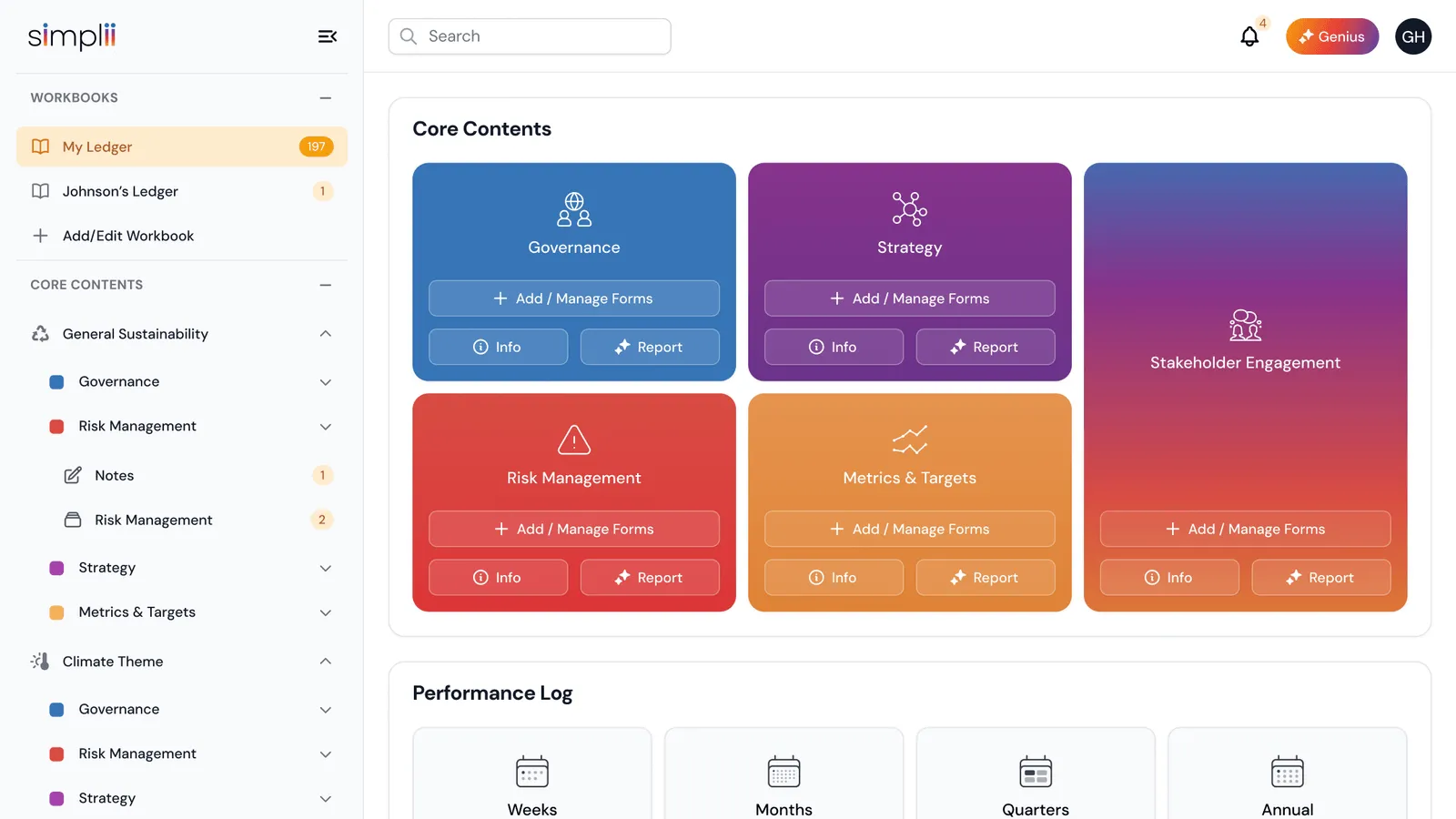
As founding engineer at 7Centre, I built a Flutter app that scans their printed Sustainability Ledger and worked on Simplii, their multi-tenant ESG platform.
MVP and SaaS development
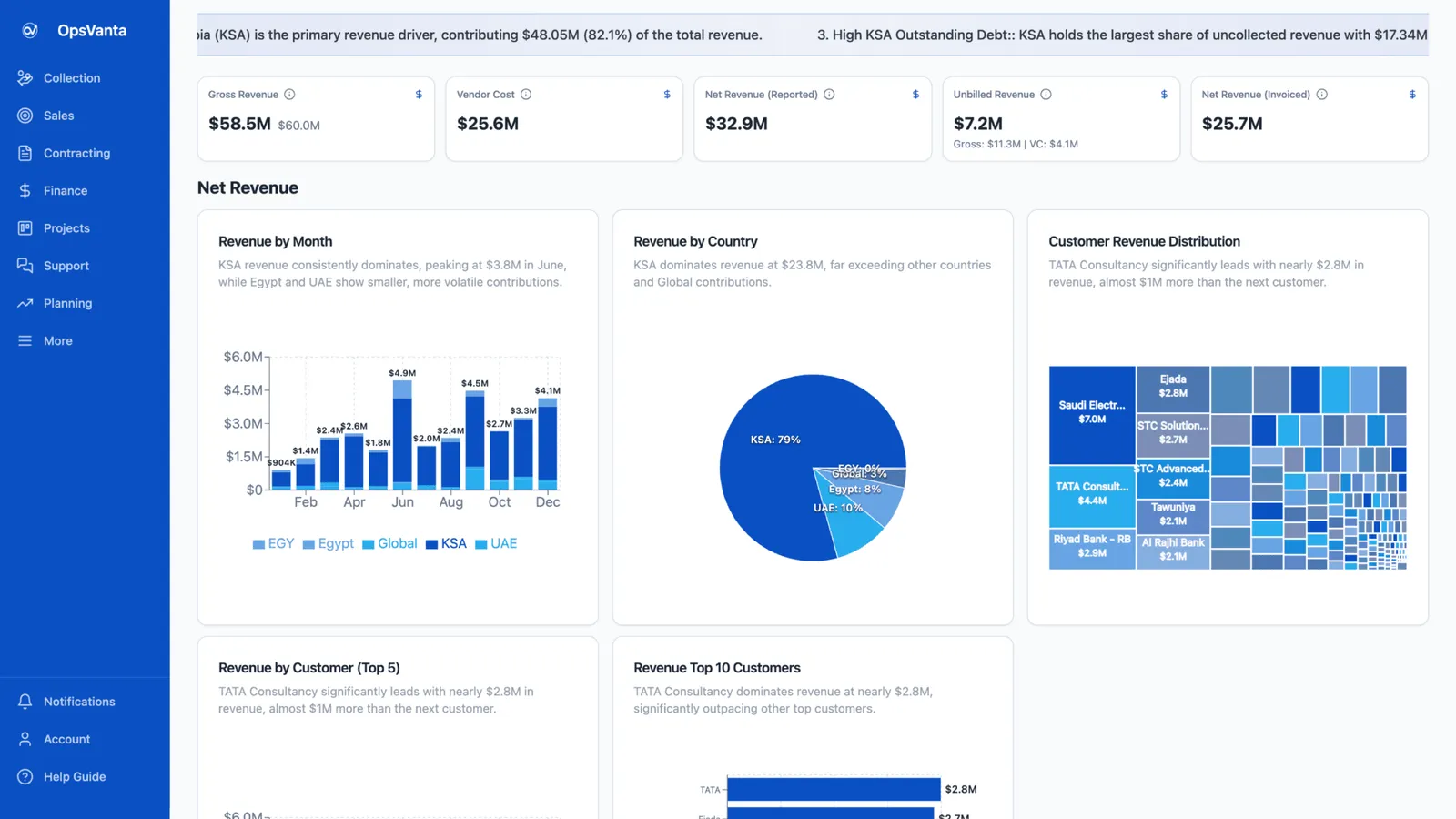
An internal ERP built solo with Lovable and Claude Code on Lovable Cloud, running sales, projects, tickets, collections, finance and AI insights in one place.
Call
A 30-minute call about what you need, who it is for, and what success looks like.
Scope
A written scope: features, architecture, timeline, price range and risks.
Build
Working increments you can click through, not a big reveal at the end.
Ship
Live on your domain and hosting, with a handover so you know how it runs.
More in how I work, or see internal tools.
Questions
If one fits, use it. Custom tools make sense when your operation doesn't match the standard flow, or when you need to connect dispatch, documents and invoicing that currently live in separate tools.
No. The driver tool runs in the phone's browser, so there's nothing to install or update.
Yes. Photographed or scanned documents go through OCR and AI extraction, then staff check the result. I built the same kind of scan-to-data pipeline for 7Centre.
A focused first version is a fixed-price project, scoped and priced after a 30-minute call (MVPs start from $3,000). Ongoing work can run on a monthly retainer.
A 30-minute call is enough to tell whether it fits, what the first version should include, and how long it takes.
 Prayag Dalal · Top Rated on Upwork, 34 jobs completed