
Reservations and deposits
Online booking with deposits or card guarantees for busy nights, and reminders that reduce no-shows.
Reservations, orders, staff and stock in tools that fit how your venue runs.
A typical first version
Same building blocks as Thomas Boivin (Boivin Coaching) and IST Networks
What I build
Online booking with deposits or card guarantees for busy nights, and reminders that reduce no-shows.
Direct ordering for collection and delivery, so you keep the customer relationship.
Rotas built from forecast demand and availability, shared with staff on their phones.
Stock counts, waste and supplier orders tracked against what you actually sell.
Sales, labour and food cost for every site in one view.
Feedback, offers and repeat-visit tracking in one place.
AI, right now
Restaurants and hospitality businesses run on tight margins and busy teams. Industry reporting in 2026 shows AI used first for marketing and admin, then for scheduling, ordering, inventory and reservations: the jobs that eat managers’ time.
I haven’t built for a hospitality business yet, so I won’t pretend otherwise. What I bring is the same building blocks I’ve shipped for real clients, shown below.
Reservation and opening-hour questions answered automatically, with bookings made in your system.
Supplier orders suggested from sales history and upcoming bookings, to cut waste.
Staffing suggested from predicted busy periods; managers approve.
Descriptions, social posts and offers drafted, then edited by you.
Similar work
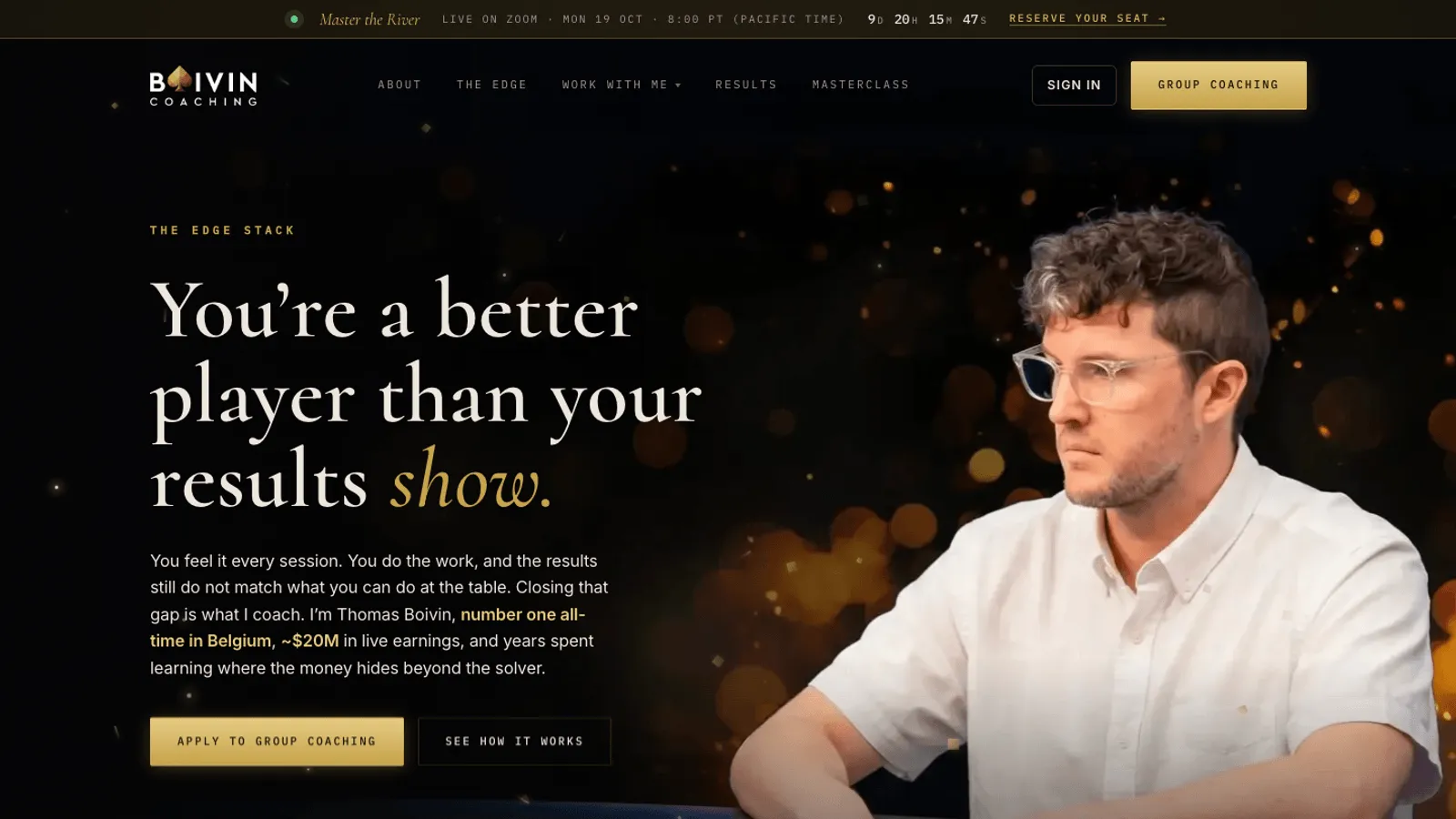
MVP and SaaS development
Sales site, application funnel, Stripe payments, member dashboards, referrals and a full admin for Thomas Boivin's poker coaching business. Built in Replit.
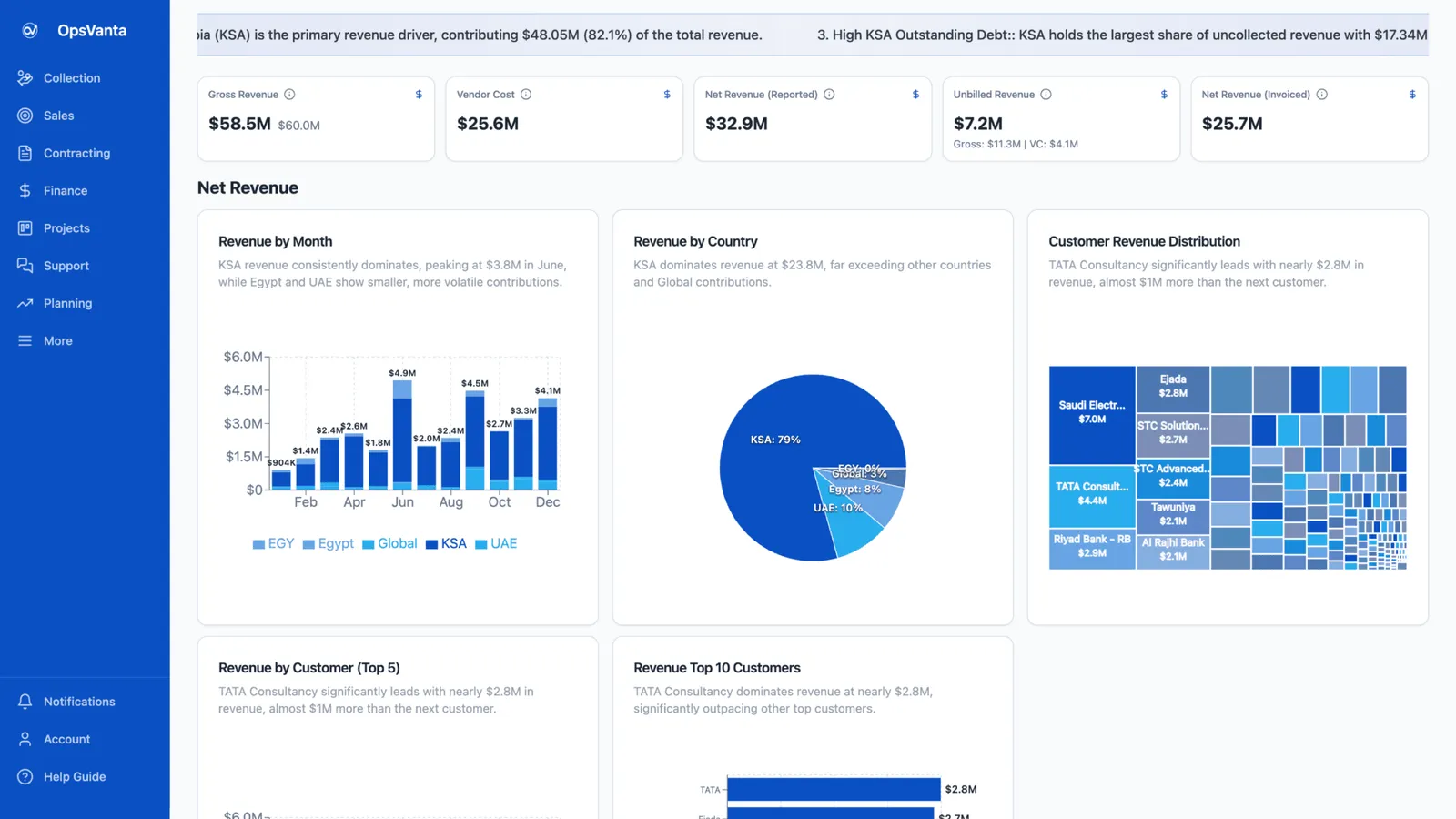
MVP and SaaS development
An internal ERP built solo with Lovable and Claude Code on Lovable Cloud, running sales, projects, tickets, collections, finance and AI insights in one place.
Call
A 30-minute call about what you need, who it is for, and what success looks like.
Scope
A written scope: features, architecture, timeline, price range and risks.
Build
Working increments you can click through, not a big reveal at the end.
Ship
Live on your domain and hosting, with a handover so you know how it runs.
More in how I work, or see internal tools.
Questions
Usually not. The POS handles payments at the counter; custom tools fill the gaps around it, like ordering, scheduling, inventory or multi-site reporting, and connect to it where possible.
If they fit, use them. Custom tools make sense for multi-site groups, unusual workflows, or when you want direct ordering and guest data you own.
Yes. Everything runs in the phone's browser.
A focused first version is a fixed-price project, scoped and priced after a 30-minute call (MVPs start from $3,000). Ongoing work can run on a monthly retainer.
A 30-minute call is enough to tell whether it fits, what the first version should include, and how long it takes.
 Prayag Dalal · Top Rated on Upwork, 34 jobs completed