
Online booking and reminders
Patients book, reschedule and cancel online, with SMS and email reminders that cut no-shows and phone calls.
Online booking, digital intake and the internal tools your front desk actually needs, without forcing your practice into someone else's workflow.
A typical first version
Same building blocks as Thomas Boivin (Boivin Coaching) and PayRight, powered by GovernTerms (UK)
What I build
Patients book, reschedule and cancel online, with SMS and email reminders that cut no-shows and phone calls.
Intake, consent and history forms completed before the visit and waiting in the record, instead of clipboards at the desk.
A secure place for patients to see appointments, documents, invoices and messages.
One view of the day: who is booked, who has paid, which forms are missing and what needs a follow-up.
Automatic recall reminders and follow-ups so returning patients don't slip through the cracks.
Bookings, cancellations, revenue and capacity in one dashboard, from the data you already have.
AI, right now
Small practices run on a mix of a practice system, phone calls, paper forms and spreadsheets. The pressure points are the same everywhere: booking and no-shows, intake paperwork, follow-ups and a front desk stretched thin. AI scheduling, digital intake and automated reminders are now standard expectations, according to recent buyer guides for small clinics.
I haven’t built for healthcare yet, so I won’t pretend otherwise. What I bring is the same building blocks I’ve shipped for real clients, shown below.
Answers opening hours, preparation and policy questions from your own documents, and hands anything clinical to a person.
Suggests slots based on provider availability and appointment type, and fills cancellations from a waitlist.
Referral letters and scanned forms read and turned into structured fields for staff to check.
First drafts of routine letters and follow-up messages for staff to review before anything is sent.
Similar work

MVP and SaaS development
Sales site, application funnel, Stripe payments, member dashboards, referrals and a full admin for Thomas Boivin's poker coaching business. Built in Replit.
RAG and AI chatbots
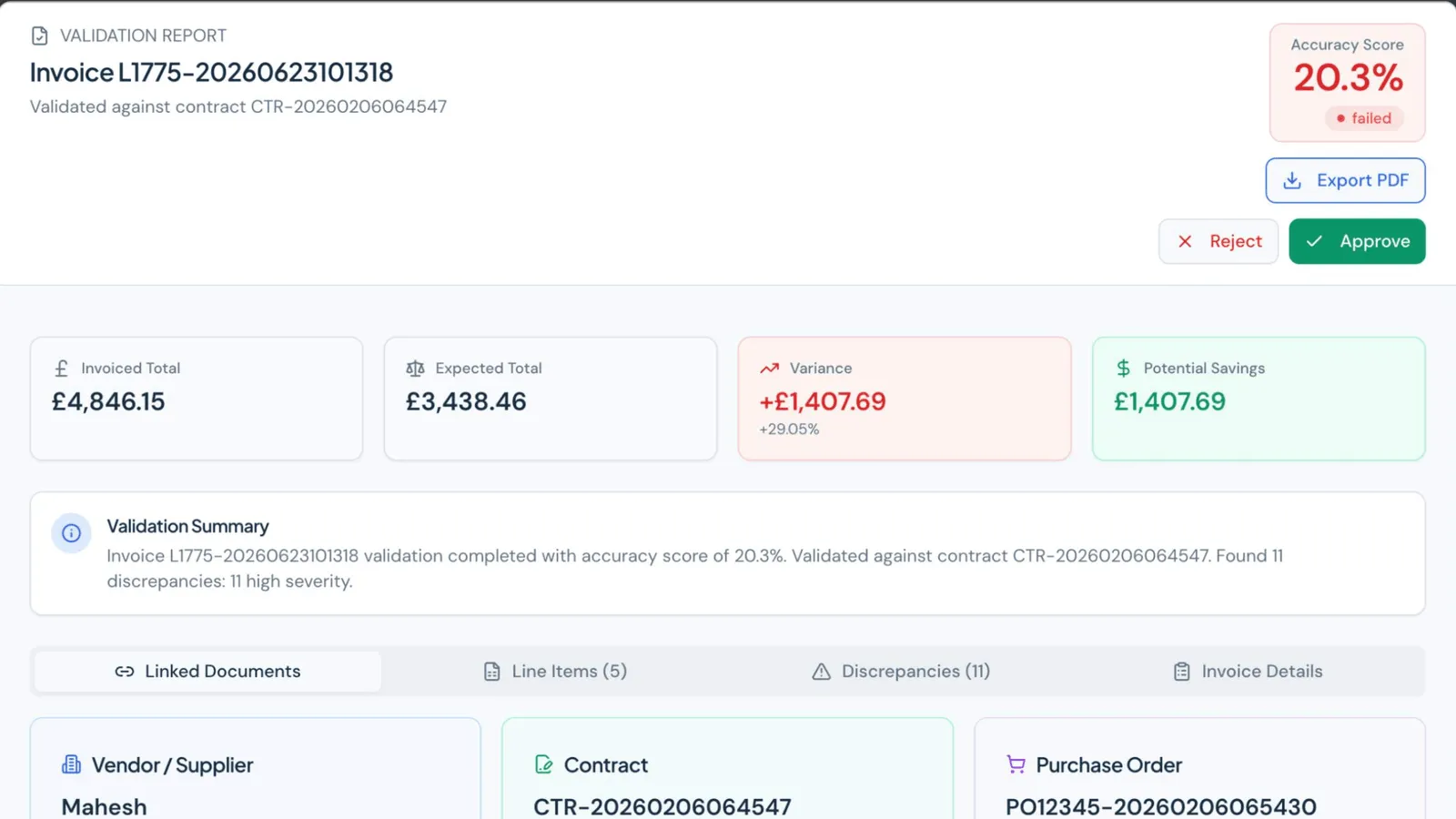
A UK contract compliance and invoice assurance platform. AI extracts contract clauses, people confirm them, and every invoice is scored against contract and PO.
Call
A 30-minute call about what you need, who it is for, and what success looks like.
Scope
A written scope: features, architecture, timeline, price range and risks.
Build
Working increments you can click through, not a big reveal at the end.
Ship
Live on your domain and hosting, with a handover so you know how it runs.
More in how I work, or see mvp and saas development.
Questions
I build software that supports HIPAA requirements: patient data only on providers that sign a BAA, encryption, role-based access and audit logs. Full compliance also depends on your practice's policies, training and risk analysis, which stay your responsibility.
If a practice system fits, use it. Custom tools make sense when your workflow is unusual, when you need to connect several systems, or when you need a patient-facing experience the off-the-shelf tools don't offer.
Often, through the EHR's API or exports. Which data moves where is decided in the scope, after looking at what your system allows.
A focused first version is a fixed-price project, scoped and priced after a 30-minute call (MVPs start from $3,000). Ongoing work can run on a monthly retainer.
A 30-minute call is enough to tell whether it fits, what the first version should include, and how long it takes.
 Prayag Dalal · Top Rated on Upwork, 34 jobs completed