
Course and cohort platforms
Courses, live cohorts and recordings with access based on what each learner enrolled in.
Courses, cohorts, assessments and AI help on your own material, in one platform you own.
A typical first version
Same building blocks as Thomas Boivin (Boivin Coaching) and StoreFilter
What I build
Courses, live cohorts and recordings with access based on what each learner enrolled in.
Applications, enrolment, one-off and subscription payments, and certificates when learners finish.
Quizzes, assignments and progress dashboards for learners and instructors.
Each person sees their own courses, deadlines and results; instructors see their cohorts at a glance.
Timetables, attendance, fees and communication in one internal tool instead of spreadsheets.
Video, documents and resources organised, searchable and protected from download.
AI, right now
Learning platforms are converging: structured courses, live cohorts and AI help in one place, with learners expecting the polish of consumer apps. Guides for 2026 point to AI tutoring and analytics as the fastest-growing expectations, alongside the basics of enrolment, payments and progress tracking.
I haven’t built for an education client yet, so I won’t pretend otherwise. What I bring is the same building blocks I’ve shipped for real clients, shown below.
Learners ask questions and get answers drawn from your course content, with the source linked, so it teaches your way.
AI drafts practice questions and first-pass feedback, which instructors review before learners see it.
Recordings turned into transcripts, summaries and study notes learners can search.
Flags learners who have stopped engaging so an instructor can step in.
Similar work
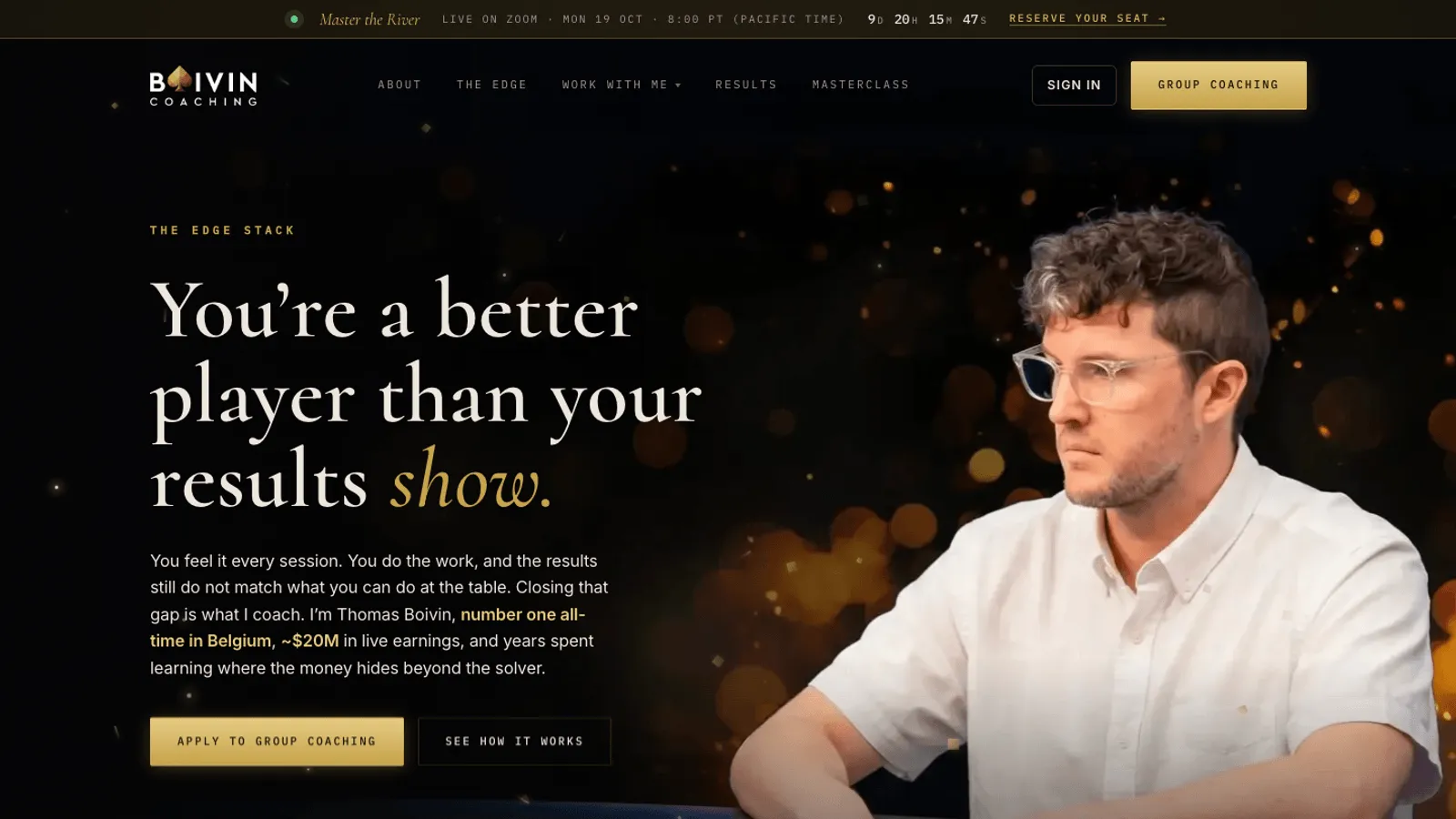
MVP and SaaS development
Sales site, application funnel, Stripe payments, member dashboards, referrals and a full admin for Thomas Boivin's poker coaching business. Built in Replit.
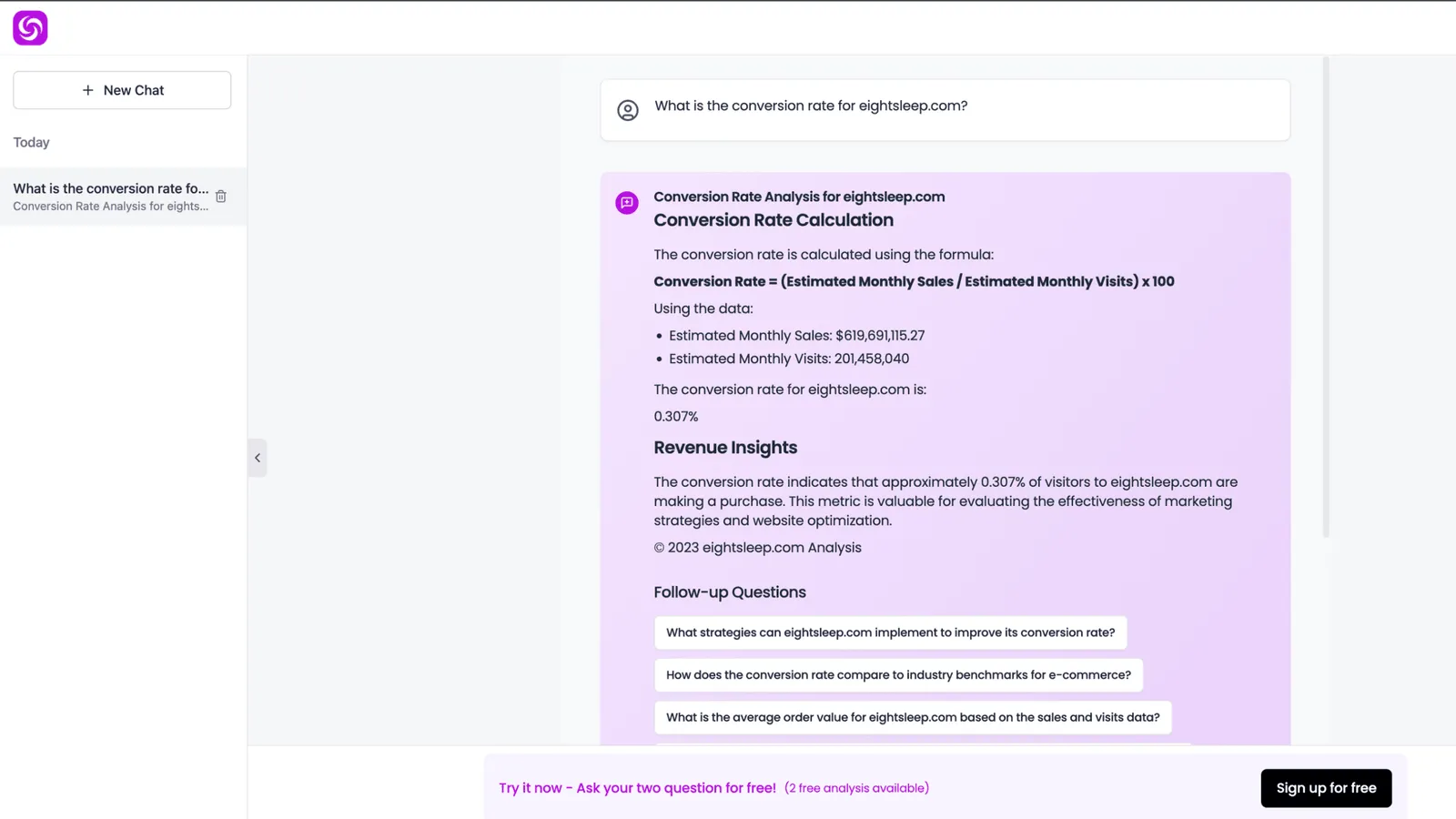
RAG and AI chatbots
An AI analytics chat for e-commerce, built with Next.js, Claude Code, Supabase, pgvector and GPT-4. Ask about any Shopify store, get answers with charts.
Call
A 30-minute call about what you need, who it is for, and what success looks like.
Scope
A written scope: features, architecture, timeline, price range and risks.
Build
Working increments you can click through, not a big reveal at the end.
Ship
Live on your domain and hosting, with a handover so you know how it runs.
More in how I work, or see mvp and saas development.
Questions
If a standard LMS does what you need, use it. A custom platform makes sense when you sell courses as a business, need your own enrolment and pricing, want AI built on your own material, or are building an EdTech product.
It can if it answers from general knowledge. Built on retrieval from your own material, with sources shown and a set of test questions, it stays grounded in what you teach.
Yes. An EdTech MVP is the same kind of build as any SaaS MVP: accounts, roles, payments and the core learning workflow, shipped in weeks.
A focused first version is a fixed-price project, scoped and priced after a 30-minute call (MVPs start from $3,000). Ongoing work can run on a monthly retainer.
A 30-minute call is enough to tell whether it fits, what the first version should include, and how long it takes.
 Prayag Dalal · Top Rated on Upwork, 34 jobs completed