
Estimating and quotes
Quotes built from your price lists and past jobs, sent and accepted online.
Quotes, jobs, crews and invoices in one system that works on site as well as in the office.
A typical first version
Same building blocks as IST Networks and 7Centre (Toronto)
What I build
Quotes built from your price lists and past jobs, sent and accepted online.
Crews and subcontractors scheduled across jobs, with changes pushed to their phones.
Daily reports, photos, timesheets and checklists captured on site from a phone browser.
Clients see progress, approve variations and pay invoices online.
Labour, materials and variations tracked against each job's budget as work happens.
Certificates, inspections and safety forms stored with each job and worker.
AI, right now
Contractors and trades need to know who is on which site, what each job is costing and whether every hour and variation is billed. 2026 guides show AI furthest along in estimating and takeoffs, with scheduling catching up.
I haven’t built for a construction company yet, so I won’t pretend otherwise. What I bring is the same building blocks I’ve shipped for real clients, shown below.
AI reads drawings and scopes to draft quantities and line items, for an estimator to check.
Daily reports drafted from photos and voice notes taken on site.
Supplier invoices and receipts read and matched to jobs automatically.
Jobs drifting over budget or behind schedule flagged before they become a problem.
Similar work
MVP and SaaS development
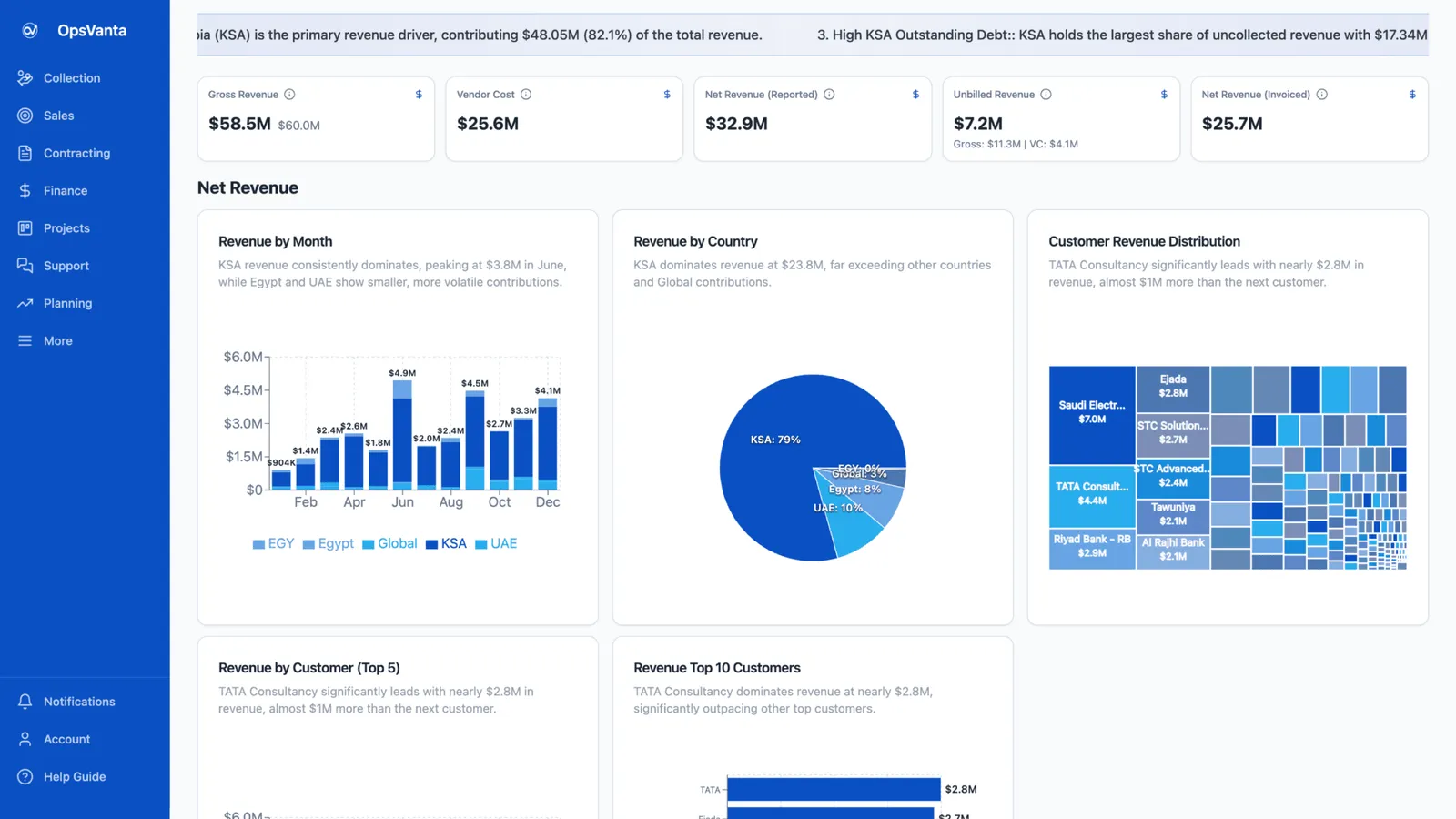
An internal ERP built solo with Lovable and Claude Code on Lovable Cloud, running sales, projects, tickets, collections, finance and AI insights in one place.
MVP and SaaS development
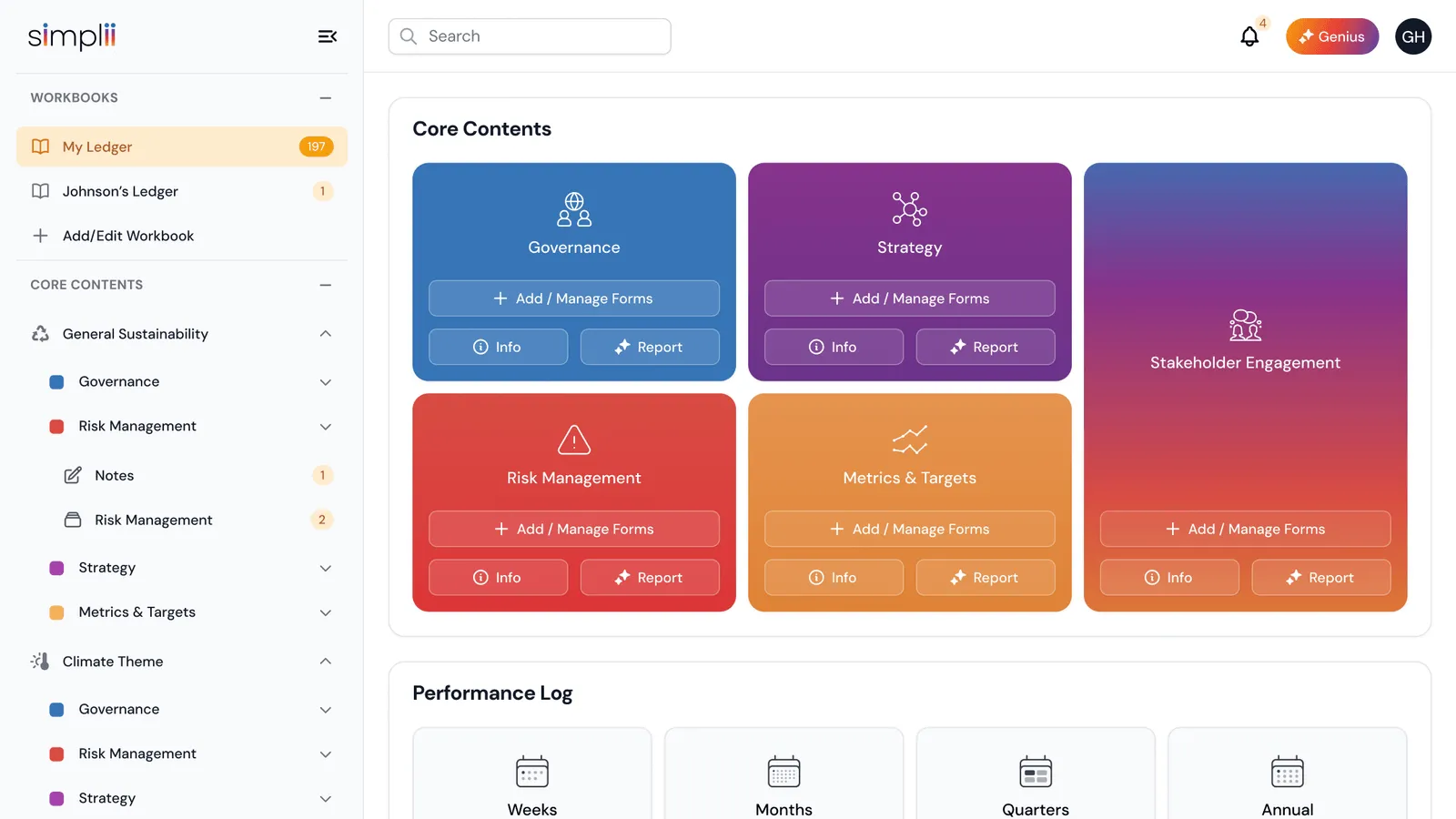
As founding engineer at 7Centre, I built a Flutter app that scans their printed Sustainability Ledger and worked on Simplii, their multi-tenant ESG platform.
Call
A 30-minute call about what you need, who it is for, and what success looks like.
Scope
A written scope: features, architecture, timeline, price range and risks.
Build
Working increments you can click through, not a big reveal at the end.
Ship
Live on your domain and hosting, with a handover so you know how it runs.
More in how I work, or see internal tools.
Questions
If they fit, use them. Custom tools suit businesses with their own pricing logic, a mix of trades, or a need to connect estimating, scheduling and accounting that don't talk to each other.
Field tools are kept light so they load quickly on mobile data, and forms can be designed to save drafts.
It can draft quantities and line items from drawings and scopes. An experienced estimator should always check them before they go to a client.
A focused first version is a fixed-price project, scoped and priced after a 30-minute call (MVPs start from $3,000). Ongoing work can run on a monthly retainer.
A 30-minute call is enough to tell whether it fits, what the first version should include, and how long it takes.
 Prayag Dalal · Top Rated on Upwork, 34 jobs completed